Crop Management System Project
A Crop Management System in PHP and MySQL to plan crops, record field activities, track costs and estimate harvest.
- PHP
- CodeIgniter
- Firebase
- Remote setup included
See the project running first, then pay.
What is the Crop Management System?
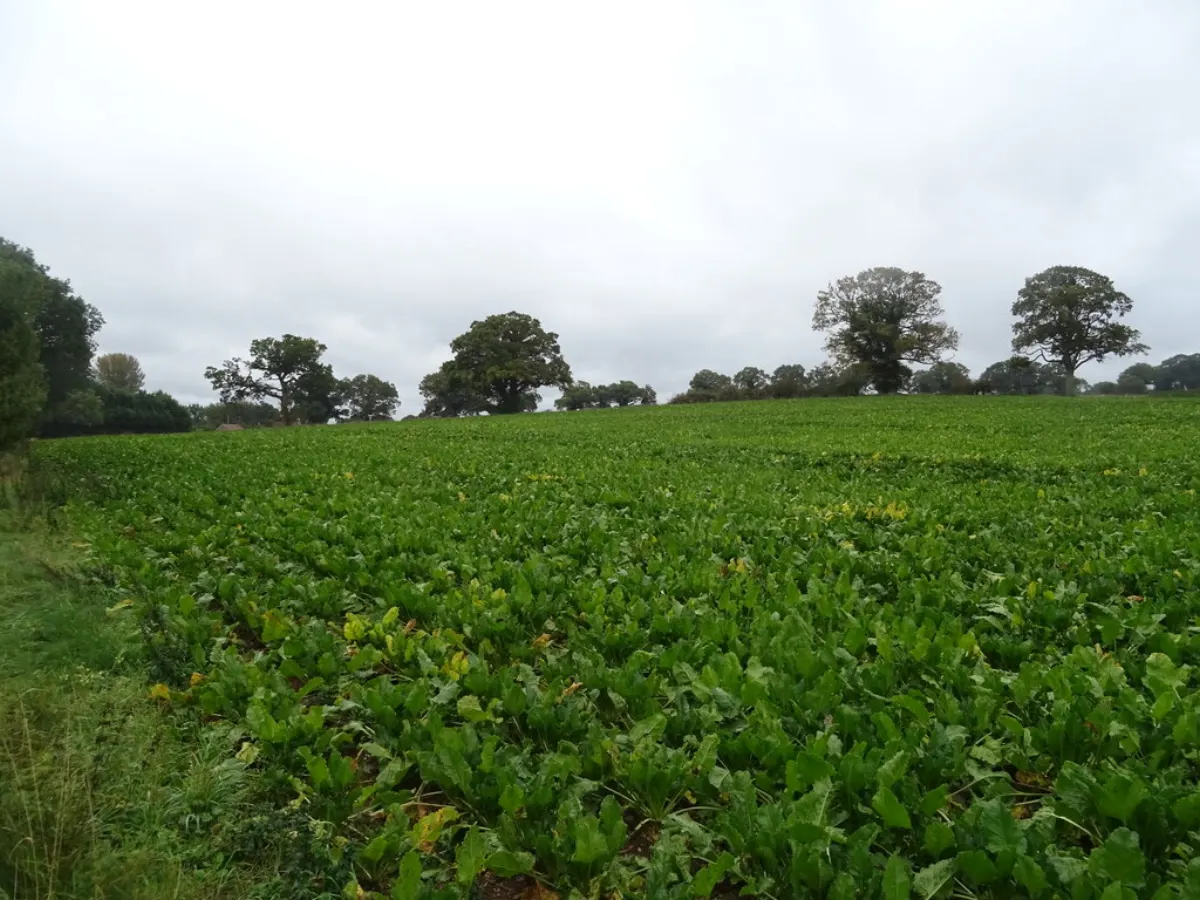
The Crop Management System helps farmers and agriculture officers plan and follow every step of a crop, from land preparation to harvest. Users can record the crop, variety and sowing date for each field, and then log irrigation, fertilizer, spraying and labour work as it happens.
All costs are added automatically, so at harvest time the farmer can see the real profit for each field. The system also shows upcoming tasks and simple crop tips. It is built in PHP with CodeIgniter and MySQL and is a useful project for students interested in agriculture technology.
Key Features
Main things you can do with the Crop Management System.
- Field-wise crop planning
- Sowing and variety records
- Irrigation and spray logs
- Fertilizer schedule
- Labour and cost tracking
- Upcoming task reminders
- Harvest and yield entry
- Profit per field report
Project Modules
The project is divided into these modules. Each one has its own screens and tasks.
1Admin
- Manage farmers and fields
- Crop master list
- Users
- Reports
2Crop Plan
- Create crop plans
- Set schedules
- Assign fields
- Task reminders
3Field Activities
- Record irrigation
- Fertilizer and spray
- Labour
- Expenses
4Harvest
- Record yield
- Sales
- Profit
- Season summary
What You Get
Everything you need to submit, run and explain the project.
Complete Source Code
Full, working source code with clean folder structure and helpful comments. No locked or hidden files.
Database File
Ready-to-use Firebase database with tables and sample data, so the project runs on day one.
Project Documentation
Full project report in Word and PDF: abstract, SRS, ER diagram, DFD (level 0, 1, 2), use case and class diagrams, screenshots, testing and conclusion.
PPT Presentation
A 15–20 slide presentation for your seminar, review or final viva. Easy to edit with your name and college.
Remote Project Setup
We connect to your laptop with AnyDesk or Google Meet, install everything and run the project for you.
Project Explanation
A simple walkthrough of the code and flow, plus common viva questions, so you can explain it with confidence.
Project Documentation includes
- Certificate, acknowledgement and abstract
- Introduction, problem statement and objectives
- Existing system vs proposed system
- Software Requirement Specification (SRS)
- System design: ER diagram, DFD (level 0, 1, 2), use case and class diagrams
- Module description and screenshots
- Testing and test cases
- Conclusion, future scope and references
PPT Presentation slides
- Title and team details
- Introduction and problem statement
- Objectives
- Existing vs proposed system
- System architecture
- Modules
- Technology used
- Screenshots / demo
- Advantages and future scope
- Conclusion
Tech Stack
| Part | Technology | Used for |
|---|---|---|
| Frontend | HTML5, CSS3, Bootstrap 5, JavaScript | Clean and mobile-friendly screens |
| Backend | PHP (CodeIgniter) | Business logic, login and validations |
| Database | Firebase | Stores users, records and reports |
| Server | Apache (XAMPP / WAMP) | Runs the project on your laptop |
Software and hardware requirements
- Windows 10/11, macOS or Linux laptop with 4 GB RAM or more
- XAMPP or WAMP (PHP 7.4 / 8.x, Apache, MySQL)
- Any modern browser: Chrome, Edge or Firefox
- VS Code or any code editor (to read and edit code)
How the Crop Management System Works
Login
Admin and users log in with their own account and role.
Daily work
Users add, search, update and view records from simple forms.
Save data
Every action is checked and saved safely in the Firebase database.
Reports
Admin sees dashboards and prints or downloads reports.
Remote Project Setup Guidance
Not sure how to run it? We set up the project on your laptop over AnyDesk or Google Meet. No need to visit us.
-
1
Share your detailsTell us your laptop type (Windows / Mac) and a time that suits you.
-
2
Install AnyDeskInstall free AnyDesk (or join Google Meet) and share the access code.
-
3
We set it upWe install the required software, import the database and configure the web application.
-
4
Test togetherWe run the project in front of you and check every main feature.
-
5
Understand itWe explain the code, flow and database so you are ready for your viva.
- Install XAMPP and start Apache and MySQL from the XAMPP control panel.
- Copy the project folder into
C:\xampp\htdocs\(orhtdocson Mac). - Open
localhost/phpmyadmin, create a new database and import the.sqlfile we provide. - Open the database config file and enter your database name, username and password.
- Open
localhost/project-folderin your browser and log in with the admin details given in the documentation.
Crop Management System Images
What You Will Learn
Frequently Asked Questions
Project Details
Available- ProjectCrop Management System
- TypeMini Project
- CategoryManagement System
- LanguagePHP
- FrameworkCodeIgniter
- DatabaseFirebase
- DocumentationReport + PPT
- SetupRemote help
- DeliverySource Code + Documentation