Pneumonia Detection from X-Ray Project
A Pneumonia Detection from X-Ray project in Python using a CNN to classify chest X-rays as normal or pneumonia.
- Python
- TensorFlow/Scikit-learn
- MongoDB
- Remote setup included
See the project running first, then pay.
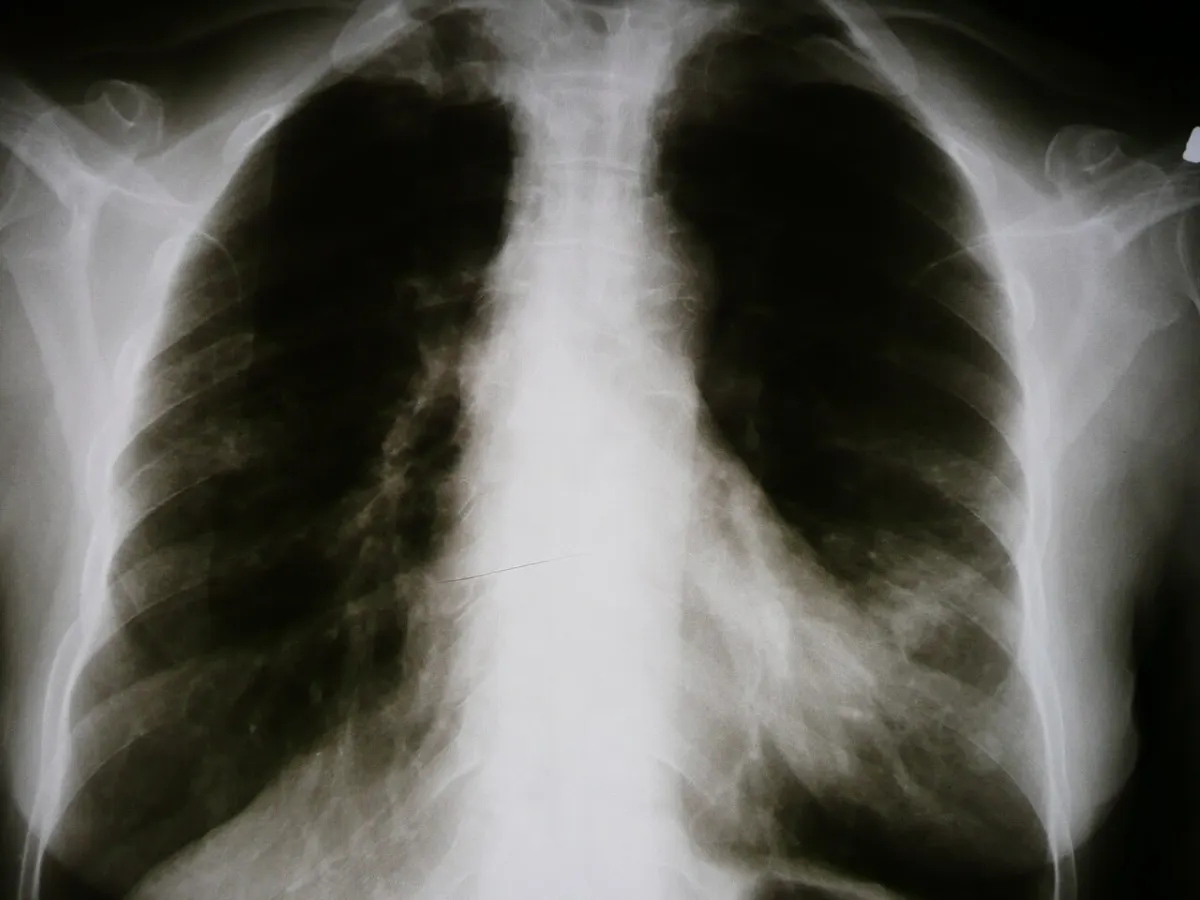
What is the Pneumonia Detection from X-Ray?
The Pneumonia Detection project uses deep learning to read chest X-ray images. It is trained on a public dataset of normal and pneumonia X-rays.
Images are resized and augmented, and a CNN with transfer learning (like VGG16) learns to spot pneumonia. Users upload an X-ray and get a prediction with confidence. It is built with Python, TensorFlow/Keras and Flask. It is for education only.
Key Features
Main things you can do with the Pneumonia Detection from X-Ray.
- Chest X-ray dataset
- Image resizing and augmentation
- CNN model
- Transfer learning with VGG16
- Upload X-ray
- Prediction with confidence
- Accuracy and loss charts
- Confusion matrix
Project Modules
The project is divided into these modules. Each one has its own screens and tasks.
1Data
- Load images
- Resize
- Augment
- Split
2Model
- CNN
- Transfer learning
- Train
- Save
3Web App
- Upload X-ray
- Predict
- Confidence
- History
4Analysis
- Accuracy
- Loss
- Confusion matrix
- Reports
What You Get
Everything you need to submit, run and explain the project.
Complete Source Code
Full, working source code with clean folder structure and helpful comments. No locked or hidden files.
Database File
Ready-to-use MongoDB database with tables and sample data, so the project runs on day one.
Project Documentation
Full project report in Word and PDF: abstract, SRS, system architecture, dataset details, algorithm explanation, accuracy charts and confusion matrix, screenshots, testing and conclusion.
PPT Presentation
A 15–20 slide presentation for your seminar, review or final viva. Easy to edit with your name and college.
Remote Project Setup
We connect to your laptop with AnyDesk or Google Meet, install everything and run the project for you.
Project Explanation
A simple walkthrough of the code and flow, plus common viva questions, so you can explain it with confidence.
Project Documentation includes
- Certificate, acknowledgement and abstract
- Introduction, problem statement and objectives
- Existing system vs proposed system
- Software Requirement Specification (SRS)
- System design: system architecture, dataset details, algorithm explanation, accuracy charts and confusion matrix
- Module description and screenshots
- Testing and test cases
- Conclusion, future scope and references
PPT Presentation slides
- Title and team details
- Introduction and problem statement
- Objectives
- Existing vs proposed system
- System architecture
- Modules
- Technology used
- Screenshots / demo
- Advantages and future scope
- Conclusion
Tech Stack
| Part | Technology | Used for |
|---|---|---|
| Language | Python 3 | Model training and app logic |
| ML Libraries | TensorFlow/Scikit-learn | Training and prediction |
| Data | NumPy, Pandas, Matplotlib | Cleaning and charts |
| Web UI | Flask / Streamlit | Simple page to test the model |
| Storage | MongoDB | Saves users, inputs and results |
Software and hardware requirements
- Laptop with 8 GB RAM (GPU is optional, not required)
- Python 3.9 – 3.11 and pip
- VS Code or Jupyter Notebook
- Libraries from
requirements.txt(we include it)
How the Pneumonia Detection from X-Ray Works
Dataset
A public dataset is loaded, cleaned and split into train and test parts.
Training
The model learns patterns from the training data.
Testing
Accuracy, precision and recall are checked on test data.
Prediction
Users give new input in the web page and get the result instantly.
Remote Project Setup Guidance
Not sure how to run it? We set up the project on your laptop over AnyDesk or Google Meet. No need to visit us.
-
1
Share your detailsTell us your laptop type (Windows / Mac) and a time that suits you.
-
2
Install AnyDeskInstall free AnyDesk (or join Google Meet) and share the access code.
-
3
We set it upWe install the required software, import the database and configure the machine learning project.
-
4
Test togetherWe run the project in front of you and check every main feature.
-
5
Understand itWe explain the code, flow and database so you are ready for your viva.
- Install Python 3 and tick Add Python to PATH during setup.
- Open the project folder in VS Code and create a virtual environment:
python -m venv venv. - Install the libraries:
pip install -r requirements.txt. - Run the notebook or training script once to train the model (a trained model is also included).
- Start the web app with
python app.pyand openlocalhost:5000in your browser.
Pneumonia Detection from X-Ray Images
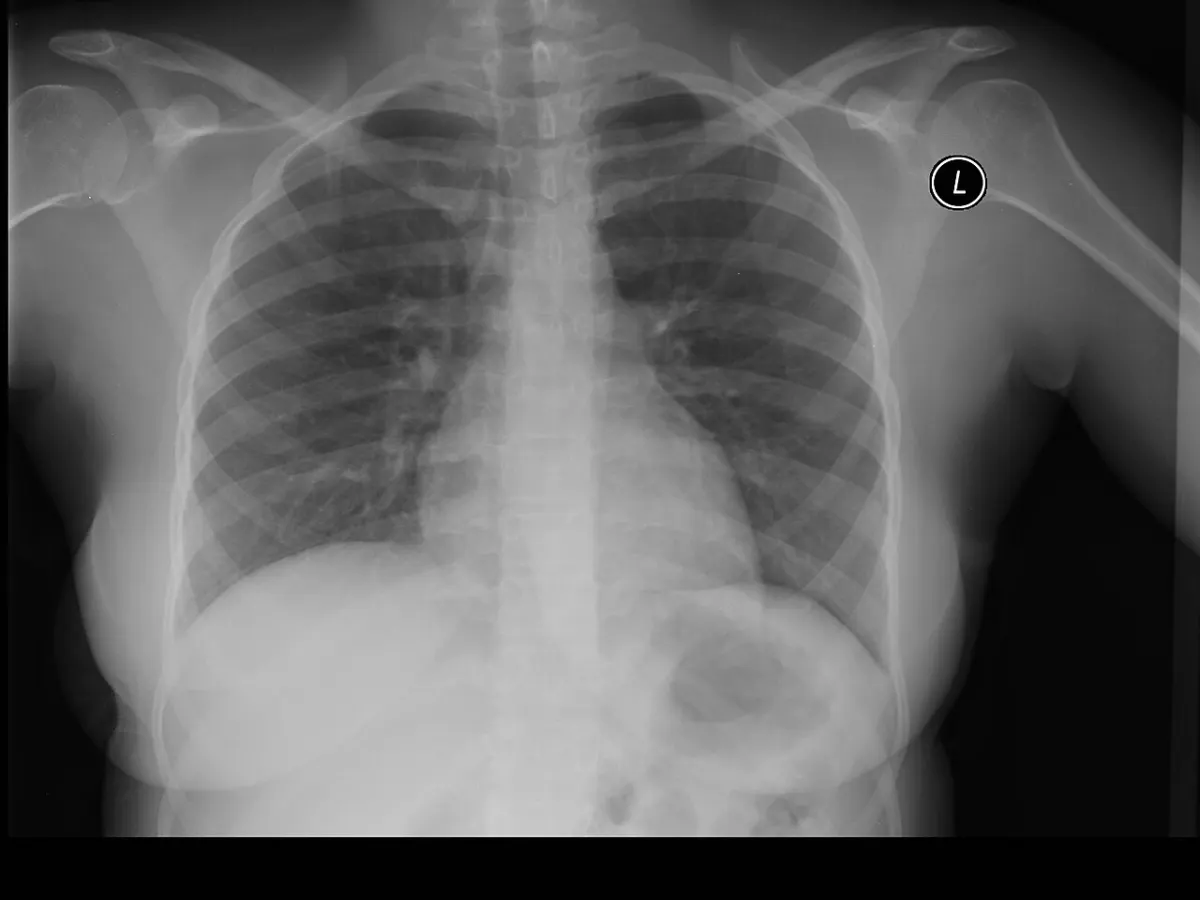
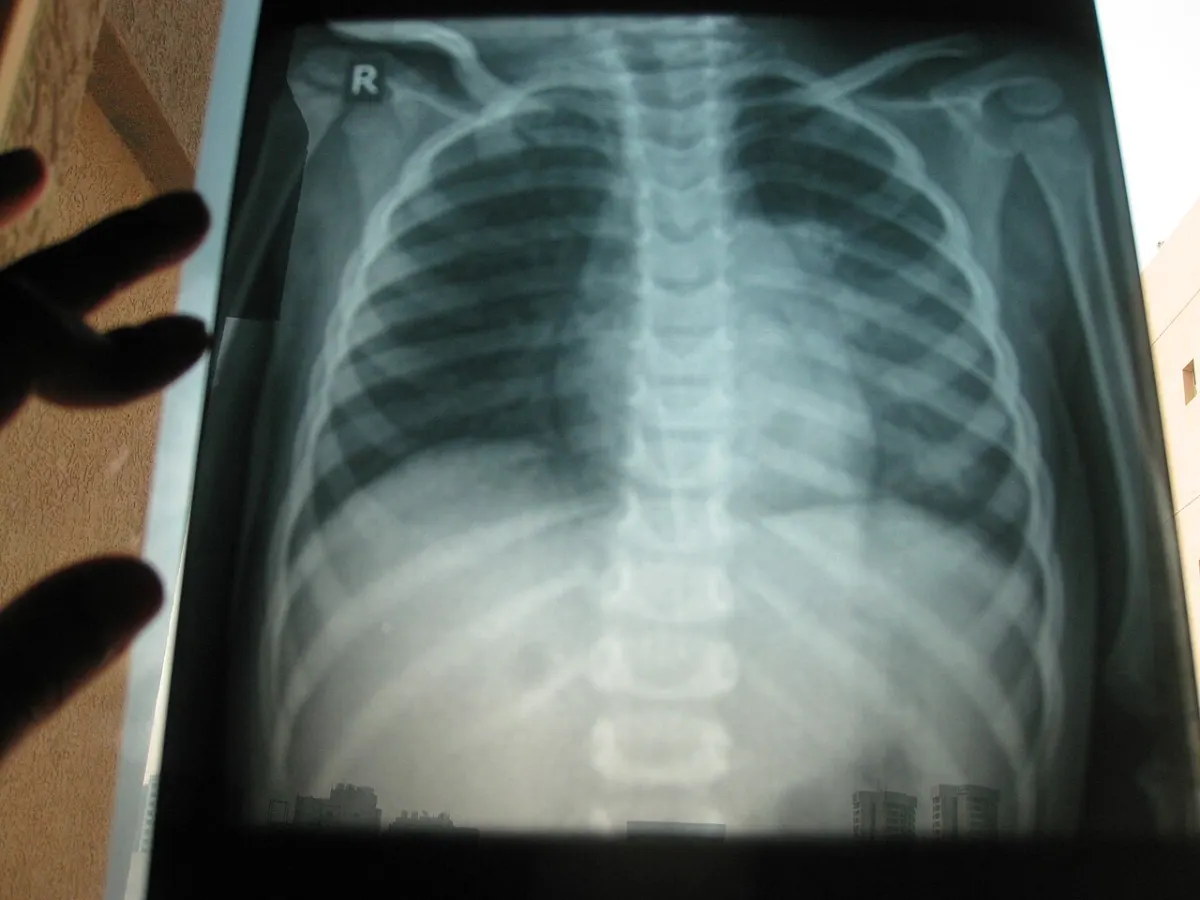
What You Will Learn
Frequently Asked Questions
Project Details
Available- ProjectPneumonia Detection from X-Ray
- TypeMajor Project
- CategoryAI/ML
- LanguagePython
- FrameworkTensorFlow/Scikit-learn
- DatabaseMongoDB
- DocumentationReport + PPT
- SetupRemote help
- DeliverySource Code + Documentation